Tesla charge points map: how to actually read it
The Tesla charge points map is brilliant for routing through Superchargers, but it will not show you every charger nearby. Here is how to use it alongside Zap-Map and PlugShare properly.
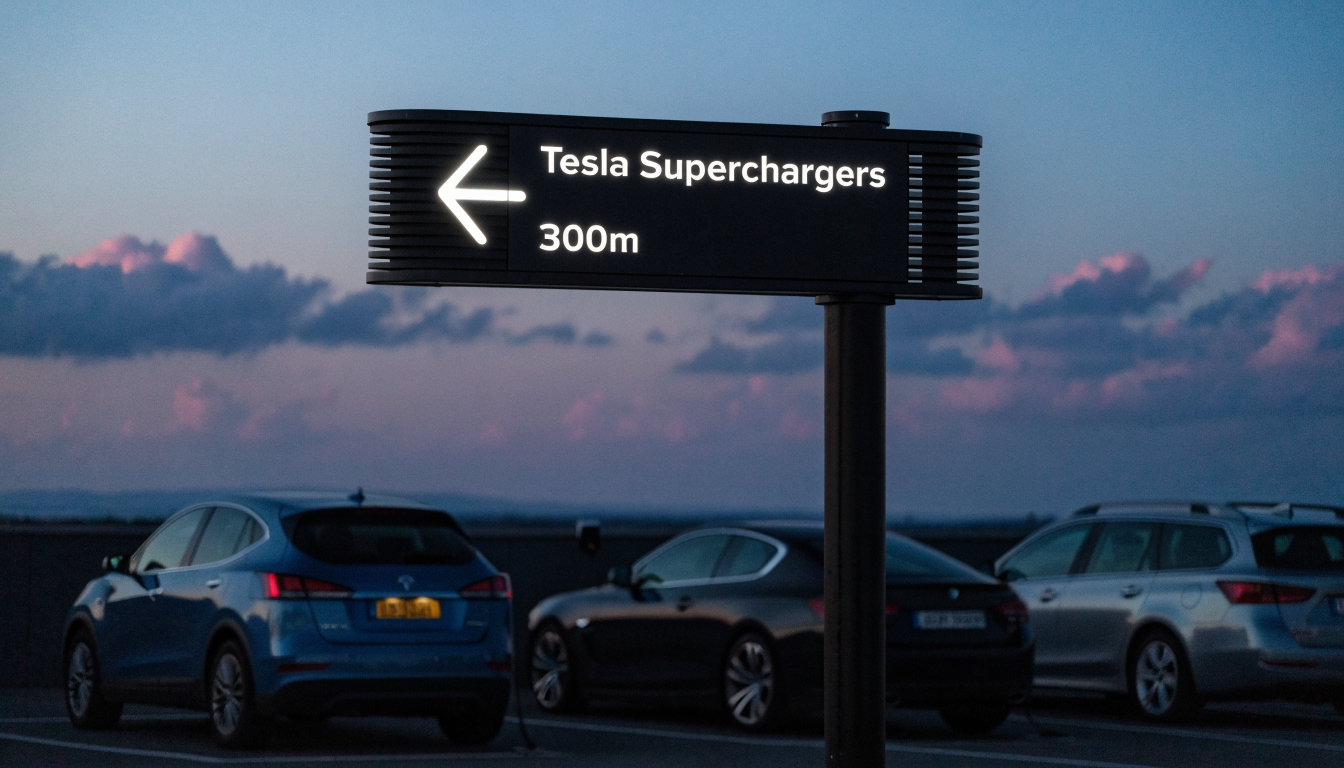
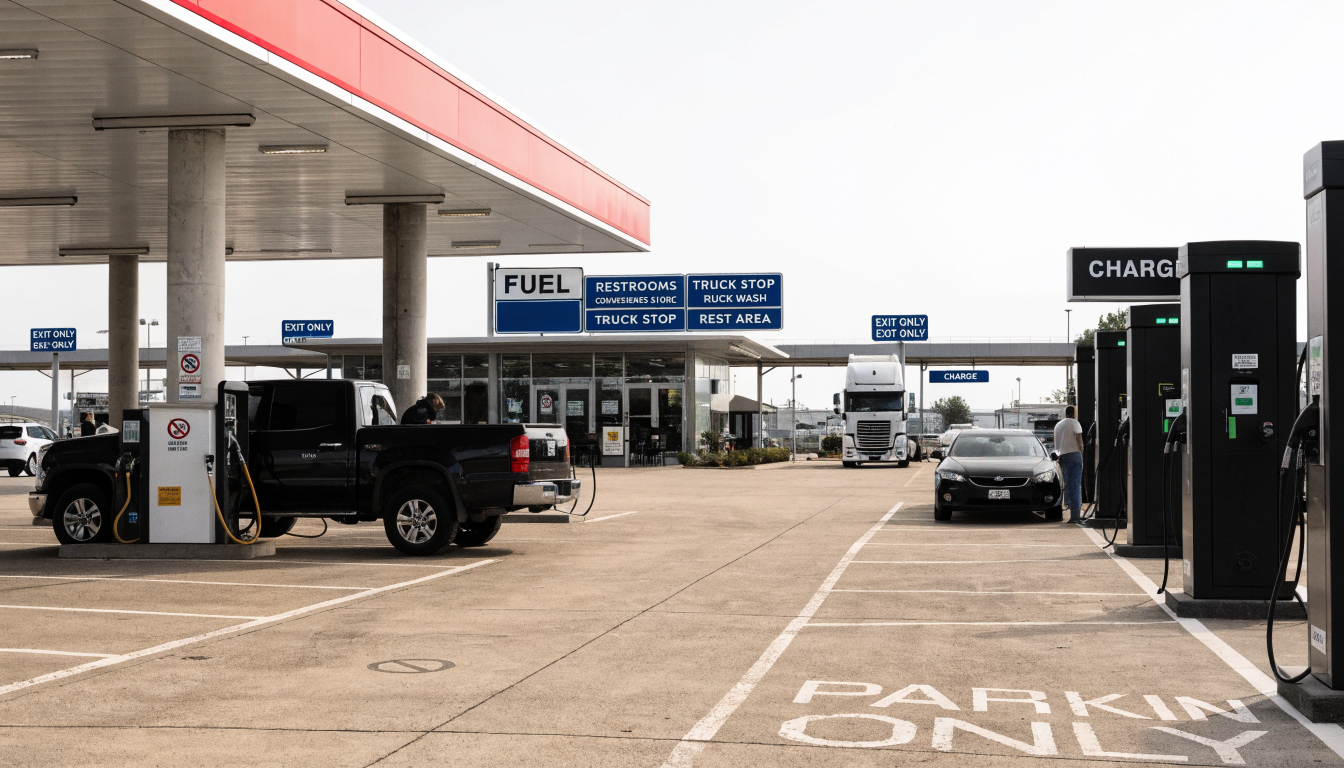
The Tesla charge points map lives inside the Tesla app and the car's own touchscreen, built for routing to a Supercharger, not for browsing every charger in the country. For that wider picture, use a general map such as Zap-Map or PlugShare alongside it. Tesla's own map covers 228 UK Supercharger sites and 2,463 stalls as of August 2026 (tesla-chargers.com), against 121,171 chargers on the whole UK network (Zap-Map, June 2026) — two very different maps for two different questions.
What you are actually trying to do with this map
You want to know where you can charge, not just where a Tesla happens to be parked. Typing "tesla charge points map" usually means one of three jobs. You might be finding the nearest Supercharger. You might be planning a full route with charging stops built in. Or you might be checking the wider electric vehicle charge points around a city such as London, before you even own the car.
Tesla's own map only really answers the first two questions well. It is excellent at plotting a route through Superchargers. It was never built to show you every InstaVolt, GRIDSERVE or bp pulse charger nearby too. Confusing "Tesla's map" with "a complete map of every charger" is where most of the frustration starts.
This confusion has a real cost. A driver who trusts Tesla's map alone can drive straight past a cheaper, closer charger from another network without ever seeing it on screen. The map is not wrong. It is simply showing you one company's own sites, exactly as designed.
Why one map cannot do every job
The in-car map is a trip planner first
Enter a destination on the car's touchscreen, and Trip Planner calculates a route through Superchargers automatically. It factors in driving style, elevation and temperature, and even checks live stall availability (Tesla Support). It is genuinely excellent at that one job. It does not support multiple waypoints, though. It cannot show a total trip cost. And it will not let you hand-pick your own stops instead of its suggested ones (notateslaapp.com).
The phone app map is for browsing before you drive
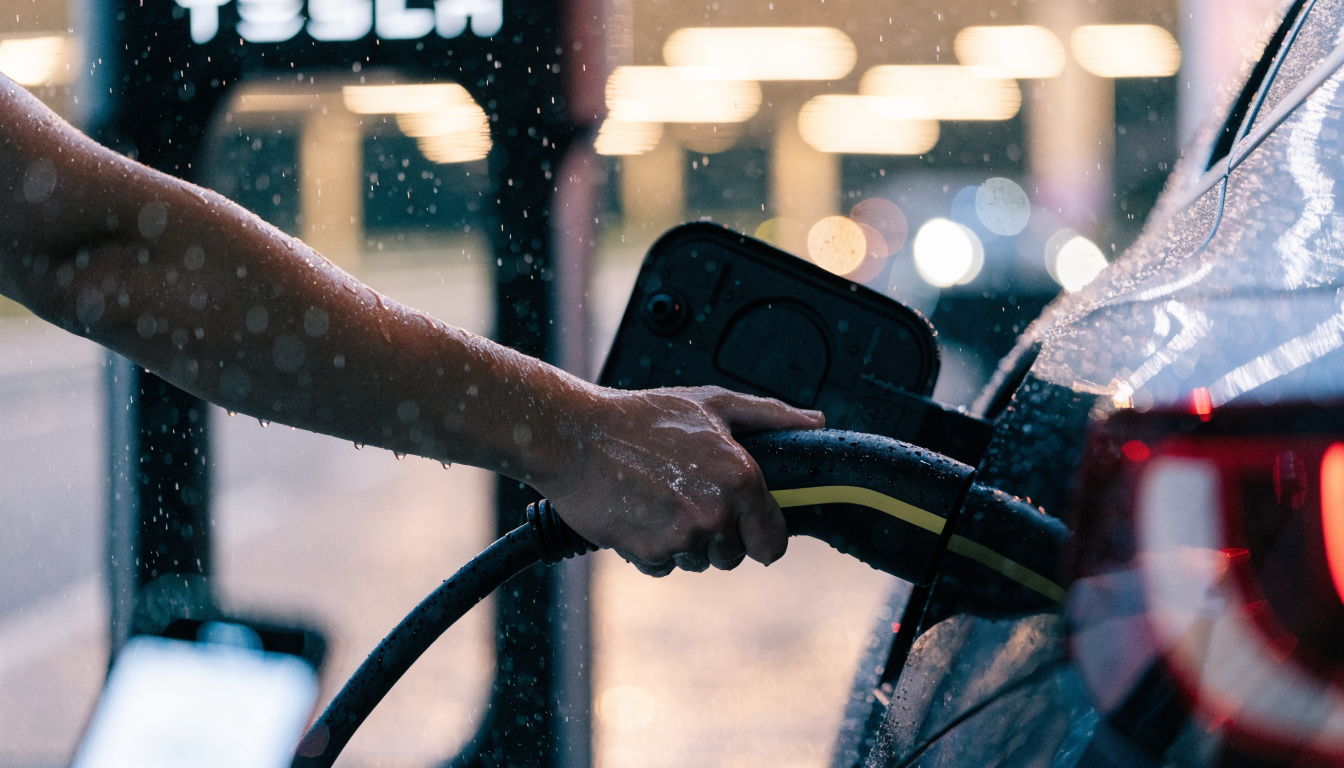
The Tesla app's location screen lets you tap "navigate" and see Superchargers plotted along a route. It shows an ETA, a recommended charge amount at each stop, and your current battery level, all together (notateslaapp.com). A red icon marks a Supercharger. A grey one marks a slower Destination charger. Speed filters let you show one type without the other.
A general EV map fills in everything Tesla's map leaves out
Zap-Map and PlugShare exist precisely because no single brand's map covers the whole country. Zap-Map tracks every UK network together. It listed 121,171 chargers across 46,731 locations by the end of June 2026, with live availability shown for a large share of them. PlugShare instead leans on driver photos and reviews. That is useful for judging a site's real condition before you commit to it.
Neither tool replaces the other completely. Zap-Map is stronger for raw coverage and live pricing. PlugShare is stronger for the honest, unfiltered account of what a charger is actually like once you get there, cracked screen and all.
How to actually use each map for the job it is good at
- Use the in-car Trip Planner for a long drive in your own Tesla. Enter your destination, let it route you through Superchargers, and trust its charge-amount suggestions unless you have a specific reason not to.
- Use the Tesla app on your phone when you are not yet in the car. It is the fastest way to check whether a specific Supercharger is currently busy before you set off.
- Switch to Zap-Map or PlugShare when a Tesla-only view is not enough. Do this when checking every rapid charger near a new postcode, or comparing prices across networks at once.
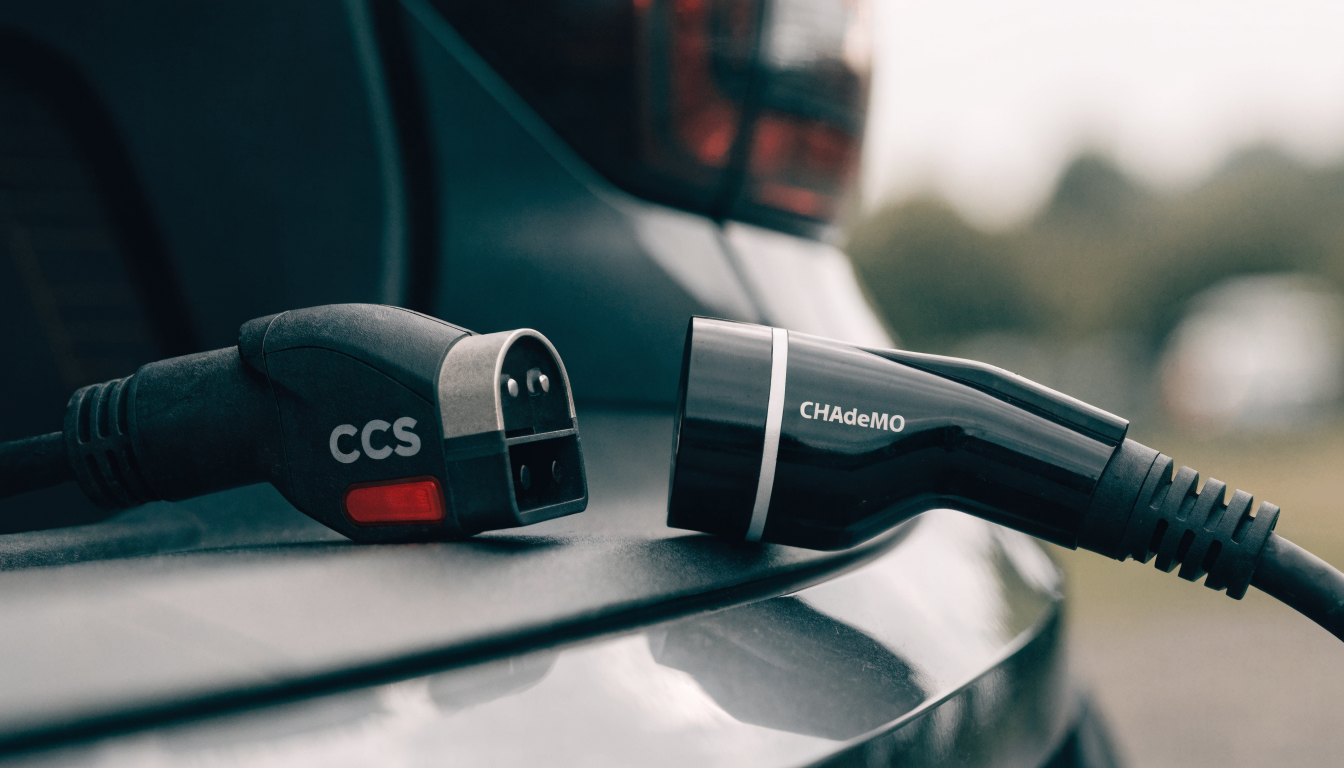
- Check whether a Supercharger is open to non-Tesla cars before relying on it in someone else's EV. More than half of the UK's 228 sites now accept any car with a CCS2 plug. Not all of them do (tesla-chargers.com).
- Combine tools on a genuinely long trip. A route planner such as A Better Route Planner tunes assumptions like speed and arrival charge. PlugShare's reviews then act as a reality check on a stop you have never used before.
Comparing the maps side by side
| Map or app | Shows every network? | Shows live price? | Best for |
|---|---|---|---|
| Tesla in-car Trip Planner | No, Tesla only | No | Routing a Tesla through Superchargers automatically |
| Tesla phone app | No, Tesla only | No | Checking Supercharger status before you leave |
| Zap-Map | Yes, all UK networks | Yes, for most sites | A full national view, including London-specific density |
| PlugShare | Yes, global coverage | Rarely | Crowd-sourced reviews and photos of a specific site |
What the numbers actually look like right now
Tesla's UK Supercharger network is not small by national standards, even though it is only one name among dozens. It runs 228 sites and 2,463 stalls. 147 of those sites are open to non-Tesla EVs, as of August 2026 (tesla-chargers.com). Globally, the same network reached 8,704 stations by the second quarter of 2026. Stalls hit 82,357, reported on 23 July 2026 (evchargingstations.com).
Set against that, the UK's full public charging picture runs to 121,171 chargers across 46,731 locations (Zap-Map, end of June 2026). London carries nearly double the national average density. It has 340.0 chargers per 100,000 people, against a UK average of 171.9 (GOV.UK, 1 April 2026). Tesla's map is a precise, well-maintained slice of that much bigger picture. It was never meant to replace it.
When Tesla's own map is not the answer
If you drive anything other than a Tesla, the in-car Trip Planner is not available to you at all. Default to Zap-Map, PlugShare or a general route planner from the start instead. Even Tesla owners hit its limits on a genuinely complex trip. There are no multiple waypoints, no manual stop selection, and no visible running cost as you go (notateslaapp.com).
Whether a specific Supercharger will actually let a non-Tesla car in is a separate question from where it sits on the map. Our deeper guide to the Tesla charging network UK works through exactly how to check that before you queue.
A map also cannot tell you whether a charger is actually working right now. A pin showing on screen only confirms a charger exists at that location, not that every stall there is live and fault-free. Treat any map as a starting point for a decision, not the final word on it.
What to do next
Compare what a session actually costs before you rely on any one network. Our breakdown of Tesla charge point cost covers the exact figures. If your trip runs well beyond a single stop, read planning long EV trips for how to combine maps properly. And if you are searching from a city postcode, our guide to EV charge points London breaks down the local picture in more detail.
Sources
- tesla-chargers.com — Superchargers in the United Kingdom
- evchargingstations.com — Tesla Supercharging Network: Q2 2026 Report
- Zap-Map — UK EV Charging Stats H1 2026
- Tesla Support — Travel Tips for Your Tesla
- notateslaapp.com — A Closer Look at Tesla's Trip Planner Feature in the Tesla App
- GOV.UK — Public electric vehicle charging infrastructure statistics: 1 April 2026
Common questions
Does the Tesla app show every charger, or only Tesla ones?
Only Tesla's own Superchargers and Destination chargers. For every other network, such as InstaVolt or bp pulse, you need a general map such as Zap-Map or PlugShare alongside the Tesla app.
Can I use Tesla's Trip Planner if I don't drive a Tesla?
No. The in-car Trip Planner only works inside a Tesla. Drivers of other EVs should use a general route planner such as A Better Route Planner instead, alongside PlugShare or Zap-Map to check charger availability.
Does the Tesla map show how much a session will cost?
No. Neither the in-car Trip Planner nor the phone app displays Supercharger pricing or a total trip cost. Check the Tesla app's separate pricing screen, or a dedicated cost guide, before you rely on a specific figure.
How do I check whether a Supercharger accepts non-Tesla cars?
Use the Tesla app's own non-Tesla filter rather than trusting a general map pin. More than half of the UK's 228 Supercharger sites now accept any car with a CCS2 plug, but a handful remain reserved for Tesla owners only.
Is Zap-Map or PlugShare better for finding a charger?
They do different jobs. Zap-Map gives stronger UK-wide coverage and live pricing for most sites. PlugShare leans on driver photos and reviews, which is more useful for judging what a specific charger is actually like once you arrive.
About the author
ElectraMile EditorialEditorial desk
The ElectraMile editorial team covers charging, running costs and EV ownership for readers in the UK and US.
Spotted something wrong? Tell us — we correct and date every change.
Figures shown for United Kingdom in GBP. Switch market in the header to see local pricing and terminology.