Pod Point app not working? Check which app you actually need
Pod (formerly Pod Point) now runs two separate apps — one for public charging, one for your home charger — and many "not working" reports are just the wrong one open. Here's how to tell, plus the login fix.
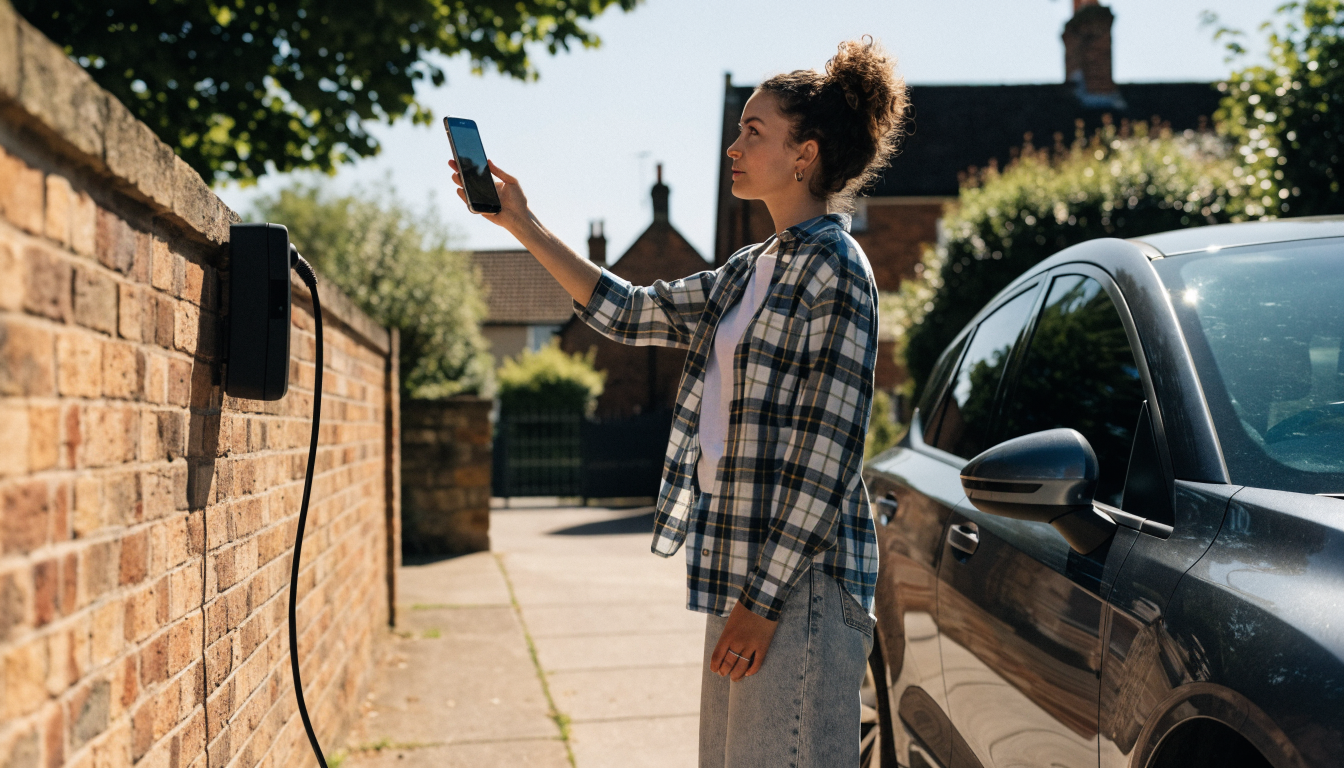
Pod Point app not working is often not one fault, but two apps doing different jobs — check first whether you're in the right one. Pod now runs a separate "Pod Home" app for managing a home charger, alongside the older "Pod Point" app for finding and paying at public chargers. Many "not working" reports are simply a home charger managed through the app that no longer controls it. Confirm which app you're in before troubleshooting anything else.
What you're seeing
You open the app expecting to see your charger, a schedule, or your charging history, and something's missing, frozen, or won't log in. Maybe the password you've used for months is suddenly rejected. Maybe the app opens fine but shows nothing useful about your home charger at all. Maybe it simply crashes on launch.
It's confusing because the charger itself might be working perfectly the whole time. Plug in with no schedule set, and most Pod chargers will still start charging on their own, ignoring the app and any schedule entirely. That's the same clue that applies across most connected charger faults: if the hardware still charges your car unscheduled, the problem sits in the software layer, not the electronics — worth ruling in or out before you spend time on anything else.
Why it happens
There are now two separate Pod apps
Pod Point renamed itself Pod in May 2025, and alongside the rebrand, home charger management moved into a dedicated app called Pod Home, separate from the original Pod Point app that still handles public and workplace charging, payment, and partner rewards. If you've had a Pod Point charger for a while and never updated which app you use, you may be trying to manage a home charger through an app that was never built for that job, or that has since had those controls removed.
Password rules have changed
Pod tightened its password requirements at points since 2023, and again through its 2025 rebrand. An old, previously working password can suddenly be rejected as "invalid", even though you're certain you're typing it correctly. This isn't usually a bug — it's the app enforcing a stronger password standard than the one your account was originally set up with, and it needs a fresh reset rather than repeated attempts with the old one.
The app has a genuine bug or a stuck session
Independent of login, some users report crashes after an update, or a session on their phone that's simply stuck and won't refresh even though the account and charger are both fine. This shows up as blank screens, missing charging history, or a schedule box that won't respond to taps — a fault in that one installed copy of the app, not in your account or the charger.
How to fix it
- Confirm which app you're actually using. If you're managing a home charger, you want Pod Home. If you're paying to charge at a public or workplace point, you want the original Pod Point app. Check the app's name and icon in your phone's app list, not just what's open on screen.
- Reset your password properly, rather than retyping the same one. Go to the official reset page at charge.pod-point.com and follow it through fully, rather than assuming a typo — a genuinely correct old password can still be rejected under updated rules.
- Force-close and reopen the app if it's frozen or showing a blank screen. This clears a stuck session far more often than it might seem worth trying.
- Check for a pending app update in your phone's app store. An update fixing a known bug won't help until it's actually installed, and app stores don't always update automatically on every device.
- Uninstall and reinstall the app if a reopen and an update don't help. This clears any corrupted local data left over from an earlier version, at the cost of having to log back in afterwards.
- Check your charger's own light while you're troubleshooting the app. If it's charging normally with no schedule active, you've confirmed the hardware is fine, and you can focus entirely on the app or your account without worrying you're missing a bigger fault.
- Contact Pod's support through the app's own feedback option, or help.pod-point.com, if none of the above clears it. Have your account email and, if relevant, your charger's serial number ready — it speeds up any account-side fix considerably.
Which app you need
| You want to | Use this app | Why |
|---|---|---|
| Control and schedule a home charger | Pod Home | Built specifically for home charger owners, including rewards and solar |
| Find and pay at a public or workplace charger | Pod Point | The original app, still used for the public charging network |
| Manage both a home charger and public charging | Both, separately | The two apps aren't merged; each covers its own side |
| Fix a rejected password | Neither directly | Use charge.pod-point.com to reset it first |
What it costs
Fixing an app fault costs nothing beyond the time it takes — every step above is a setting, a reset, or a reinstall, not a repair. The indirect cost, as with most connected-charger faults, is what you lose while scheduling is unavailable. A car charging unscheduled, on a full daytime electricity rate rather than a cheaper overnight tariff, can add a noticeable amount to a single full charge, and that adds up quickly across a week of missed off-peak windows.
If the fault turns out to be your account rather than the app itself — for instance, an account genuinely locked after several failed logins — Pod's support team resolves this at no charge as part of normal account service, not as a paid repair. Keep a note of when the fault started and what you've already tried, since that speeds up any conversation with support considerably.
When this isn't the answer
If your charger's own light is showing red, or any colour other than its normal charging state, that's a hardware or safety fault at the unit itself, and no amount of app troubleshooting will fix it. Our guide to a Pod Point solid red light covers that separately.
If the app opens and logs in perfectly normally, and only a specific schedule you've set isn't firing, that's a settings conflict rather than the app being faulty — treat it as a different problem with a different fix.
What to do next
Check which app you're actually in first — Pod Point or Pod Home — since that single step resolves a real share of "not working" reports on its own. If your password is the issue, reset it properly at charge.pod-point.com rather than retrying the same one repeatedly.
For a charger-side fault rather than an app one, see our guides to a Pod Point charger not working, Pod Point Wi-Fi not working, Pod Point schedule charging not working and Pod Point schedule not working — each covers a distinct fault rather than repeating this one.
Sources
Common questions
Why has scheduled charging stopped working in the Pod app?
If the app itself opens and logs in normally but a schedule you've set simply isn't firing, that's usually a setting conflict or a lost connection rather than the app being broken. Our dedicated guide to Pod Point schedule charging not working covers that specific fault, separately from login or app-crash problems.
My Pod Point charger isn't working at all, not just the app — what then?
Check the light on the charger itself before blaming the app. A red or unusual light colour points to a hardware or Wi-Fi fault in the charger, which the app can't fix by itself. Our guide to a Pod Point charger not working covers those light-based faults in full.
Why is my Pod Point just not working, generally?
Work out first whether the problem is the app, your account, or the charger itself, since each has a different fix. If the charger lights up and charges your car when you plug in with no schedule set, the hardware is fine and the fault sits in the app or your account login instead.
My Pod Point home charger isn't working — is that an app problem?
It can be, since Pod's home charger features now live in a separate app, called Pod Home, from the original Pod Point app used for public charging. If you're managing a home charger through the older app, some controls may simply not be there any more, which looks like a fault but isn't one.
Why is my Pod Point not working since the rebrand to Pod?
The rebrand itself doesn't break your account or your charger — it's the same company, same hardware, same login. Seeing "Pod" instead of "Pod Point" in an email or on screen is expected since May 2025, not a sign something has gone wrong with your setup.
What does a solid red light mean if the app also isn't working?
Treat these as two separate faults rather than one. A solid red light on the charger itself is a hardware or safety issue you fix at the unit, covered in our guide to a Pod Point solid red light. Fixing the app afterwards, if it's still not connecting, is a separate step.
About the author
ElectraMile EditorialEditorial desk
The ElectraMile editorial team covers charging, running costs and EV ownership for readers in the UK and US.
Spotted something wrong? Tell us — we correct and date every change.
Figures shown for United Kingdom in GBP. Switch market in the header to see local pricing and terminology.